 Game Onramp
Loftia · Opening-task help
Loftia First Steps: Seeds, Water & Account Linking
Published Updated
Carrot seeds seem missing? Hold R to expand the selection wheel on keyboard. Watering can empty? Players report refill stations around Loftia City. Before leaving the Demo, link your Loftia website account inside the game to preserve progress and rewards.
The October Steam Demo has ended. These instructions document that Demo; current Early Access controls and reward availability have not been re-tested for this guide.
Choose the matching symptom below. Farming tips come from Demo players; the account-link requirement comes from Qloud Games.
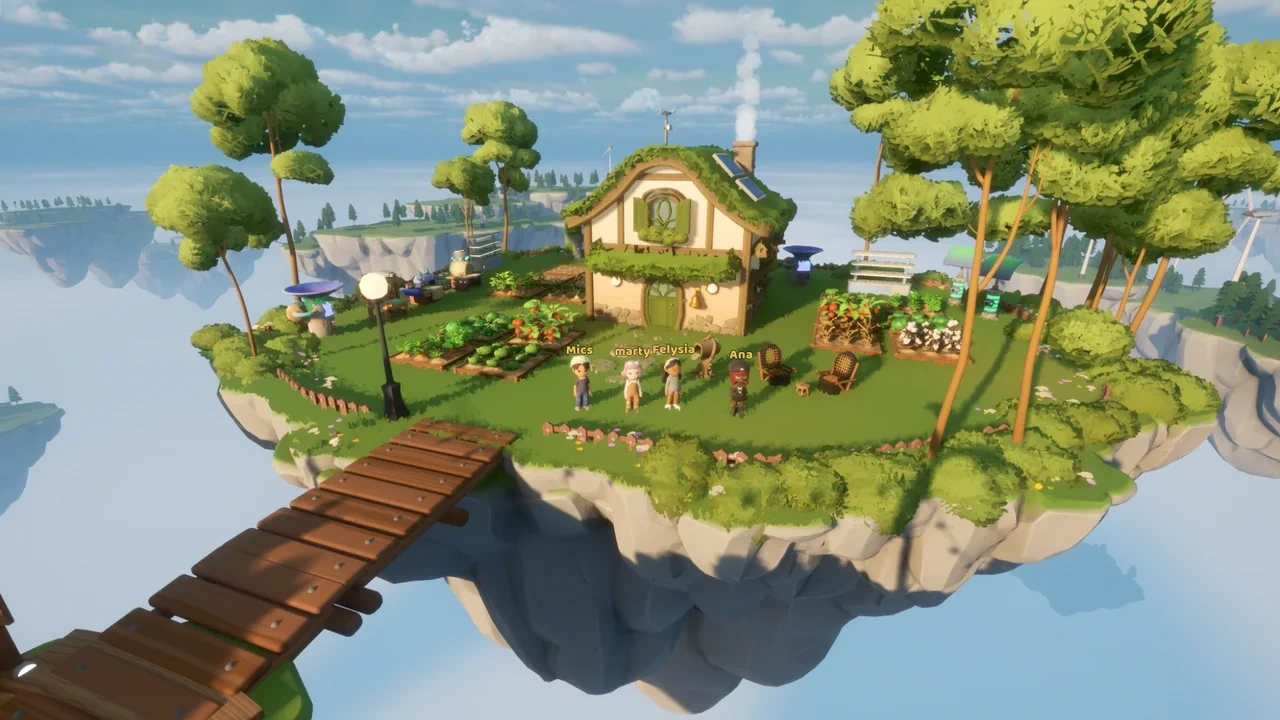
- Applies to
- October Steam Demo
- Seed-wheel tip
- Keyboard · hold R
- Farming evidence
- Community reports
- Account rules
- Qloud Games notice
Missing carrot seeds after talking to Hazel? Hold R
Community-reportedIf Hazel gave you seeds after placing a garden bed but carrots seem absent, try holding R instead of tapping it. In the player thread, the original poster first checked the wheel and inventory, then found the seeds after expanding the wheel by holding the key. Other players reported the same confusion.
- If the wheel does not expand, check your configured controls. The R tip describes a keyboard setup; use your displayed binding on a controller or remapped keyboard.
- If the expanded wheel still has no seeds, note the quest text and what Hazel gave you, then report it through the official Demo help route. Keep your character and progress intact while checking.
- 1Stand in-game and press and hold R for a moment on keyboard.
- 2Inspect the larger selection wheel while the key is held.
- 3Select the carrot seeds if they appear, following the on-screen selection prompt.
- 4Return to your garden bed and follow the exact current objective in your quest journal.
How to refill your watering can
Community-reportedLook for a water refill station around Loftia City. A Reddit player described the stations as looking a little like solar panels; a separate Steam discussion also reports refilling in town. Use this as a visual search clue and confirm the refill prompt in your game.
- If the can stays empty, confirm you used a refill station rather than a decorative solar panel. The reports do not establish an exact location or refill amount.
- 1Read the tutorial popup shown when you run out of water, if it is still available.
- 2Search around Loftia City for a refill station; check nearby equipment for the actual refill interaction.
- 3Use the displayed interaction, then check the watering can before returning to your crops.
- 4If you want a station at home, inspect your available crafting recipes. Players report a craftable station, but the current recipe and unlock requirements need checking in your game.
Link your account before leaving the Demo
Official sourceLink your Loftia website account inside the game using your email address. Qloud Games says Demo quests, items and character progression will carry into Early Access, but it cannot recover rewards or progress from an unlinked account. Creating a website account alone does not complete the in-game link.
- For a failed or unclear link, contact support@loftia.gg, the address in the developer notice. Send the error and platform to official support; keep passwords and verification codes private.
- 1Create or sign into the account you intend to use at the official loftia.gg website.
- 2Inside the game, find the account-link option and follow its email-linking prompts.
- 3Confirm the game reports the intended account as linked. Follow the official website’s reward claim steps too.
- 4When Early Access opens, use that linked account and check your character and rewards.
Check the right condition for a missing reward
Official sourceEntering the Player Neighborhood unlocks the Demo Banner; the Pebble Chair and Couch depend on inviting friends. The developer says the neighborhood can be reached during the opening minutes, but the unlock condition is reaching it, not simply running a timer.
Scroll across to compare all columns.
| What is missing? | Check first | Then |
|---|---|---|
| Demo Banner | Have you entered the Player Neighborhood? | Confirm your in-game account link and the website reward claim. |
| Pebble Chair | Does the official account show one invited friend playing the Demo? | Use the same linked account for redemption. |
| Pebble Couch | Does the official account show two invited friends playing the Demo? | Check the official reward status before reporting a missing item. |
| Transferred character or items | Did you link your website account inside the Demo? | Use official support if the link fails or the status is unclear. |
A locked district or Level 5 may be the Demo limit
Official sourceThe Demo story ends before Hanging Gardens, and the developer’s Early Access preview describes a Demo proficiency cap of Level 5. Reaching either boundary is different from being unable to complete an available farming objective.
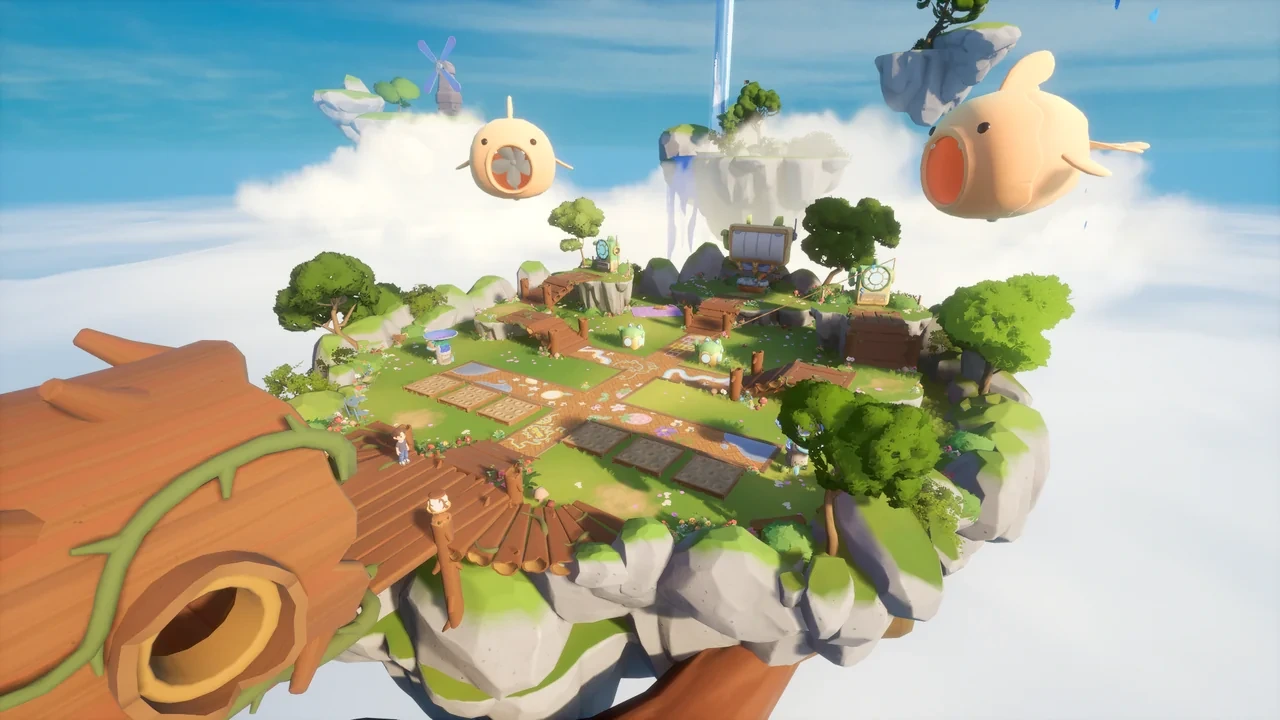
- For a locked region, compare the official Early Access preview before following an older Beta route.
- For a crop task still active in your journal, check seeds and water first; report the exact objective if those checks do not help.
First-steps questions
Scroll across to compare all columns.
| Question | Practical answer |
|---|---|
| Should I buy replacement seeds immediately? | Try the expanded wheel first. The player-confirmed case was a selection issue; only spend resources after checking your actual quest and available seeds. |
| What if I use a controller? | Check the wheel binding shown in the current game controls. The verified community discussion names keyboard R; it does not establish a controller button. |
| Should I craft a refill station or go into town? | For an empty can during the opening task, look for a town refill station first. Craft a home station when your own recipe list shows its requirements. |
| Can I solve a stuck task by playing offline? | Loftia requires an internet connection, including solo play. Keep the session online and use the symptom checks above. |
| When should I report a bug? | Report it when the current objective remains blocked after checking the configured wheel key, available seeds and refill interaction. Include your build/date, PC or Mac, input device, exact quest text and steps that reproduce the problem. |
Sources and version notes
Sources
- Loftia — official Steam Next Fest Demo detailsOfficial source
October 19–26 demo, activities, progress/name carryover, name reservation and one/two-friend invitation rewards.
Retrieved
- Qloud Games — Loftia FAQOfficial source
Planned November 3 Early Access; PC/Mac, solo progression with required internet, controller support, paid game and unconfirmed crossplay.
Retrieved
- Loftia — Early Access overview and November 9 status checkOfficial source
Developer overview of Early Access features and pricing. On November 9, 2026, the former Demo URL redirects here and the official site displays Out now with a November 3 launch. Current gameplay controls and reward eligibility were not playtested.
Retrieved
- Qloud Games — free Demo launch announcement on SteamOfficial source
Demo quests/items/progression carry over; link website account in-game by email for recovery/rewards, support email, Banner on entering Player Neighborhood, questline stops before Hanging Gardens.
Retrieved
- Player-confirmed carrot-seed solution: hold R to expand the wheelCommunity-reported
The original poster and other players found seeds after holding R rather than tapping the selection wheel.
Retrieved
- Demo players — water refill stations around Loftia CityCommunity-reported
A player describes town refill stations as resembling solar panels and mentions craftable stations; no coordinates or recipe verified.
Retrieved
- Steam player discussion — refill watering can?Community-reported
Separate players report city refill stations, a tutorial popup and a later home station; not developer instructions.
Retrieved
Evidence note: Checked October 20, 2026 for the Steam Demo. The R-wheel solution and refill-station directions are community reports; account recovery and rewards use Qloud Games announcements. Game Onramp has not independently playtested these instructions.